
Keep your CRM.
Keep your workflow.
Add WIP Mate.
There’s a lot of know-how in your team. And a way of working they know well. WIP Mate joins them there, quietly helping with the follow-ups.
See how we get you started ↓Same desk.
Same systems.
WIP Mate alongside.
The clients you know.
The work you care about.
A bit more room to get on with it.

It fits in.
You carry on.
Your existing system stays at the centre. WIP Mate sits quietly at the side, helping with follow-ups and bringing decisions back to you.
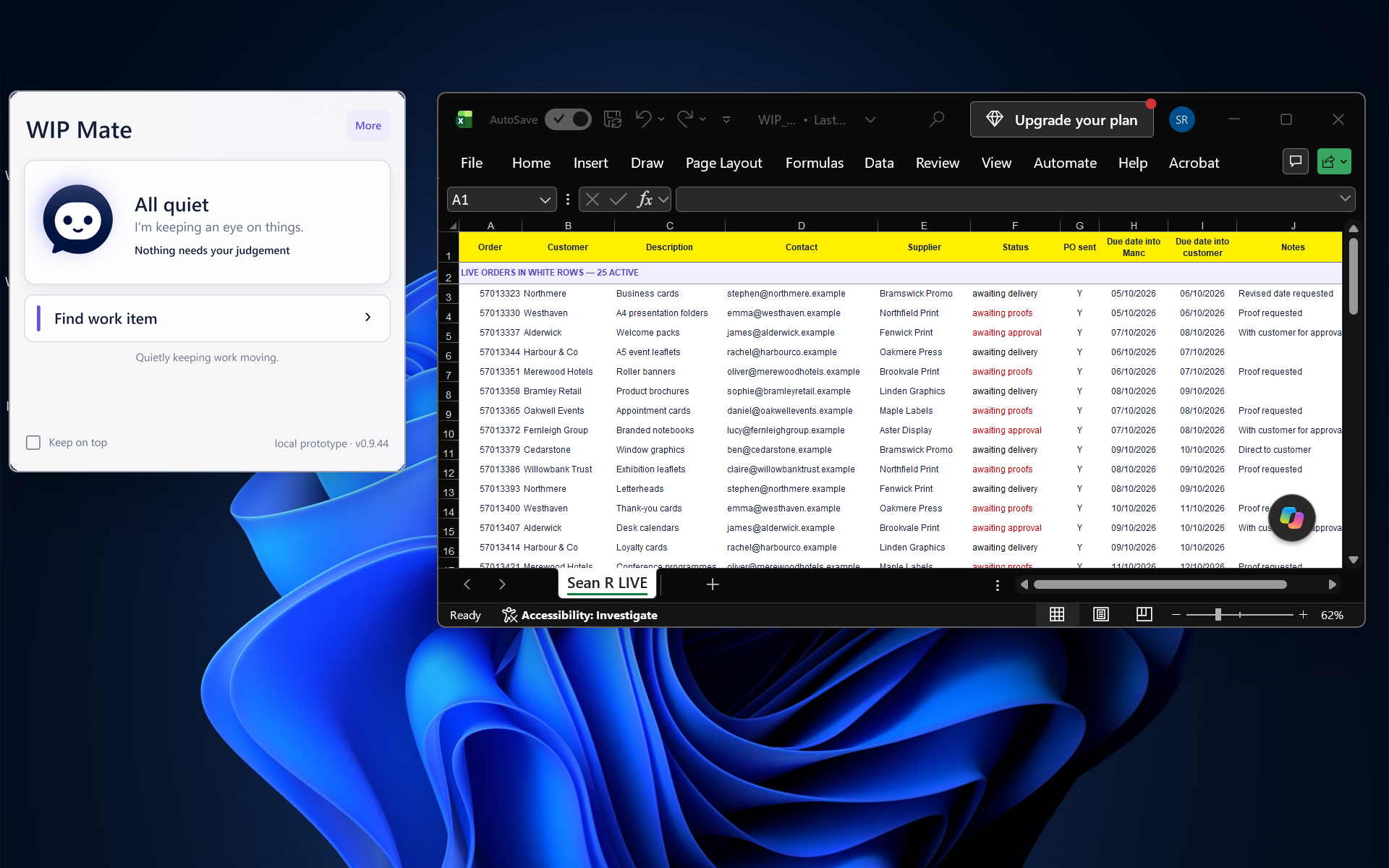
WIP Mate alongside Excel. Select the image to view full size.
“Where does your work live?”
Let’s look at how your systems connect.
We review your systems and agree how WIP Mate will connect before introducing it to your team. Setup then identifies where each account manager’s work lives and the rules WIP Mate should follow.
How setup works +
We’ll check the access your existing systems provide and agree the scope of the connection with your business. Where supported, this can use your system’s API or Microsoft connectors. If a direct connection isn’t available, we’ll discuss the options and any changes involved before you decide.
Tell us what you use.
See how WIP Mate connects to your existing systems.
Let’s talk about your setup →