WIP Mate checks which orders need following up, chases suppliers and updates your existing work records. More room for you to get on with everything else.
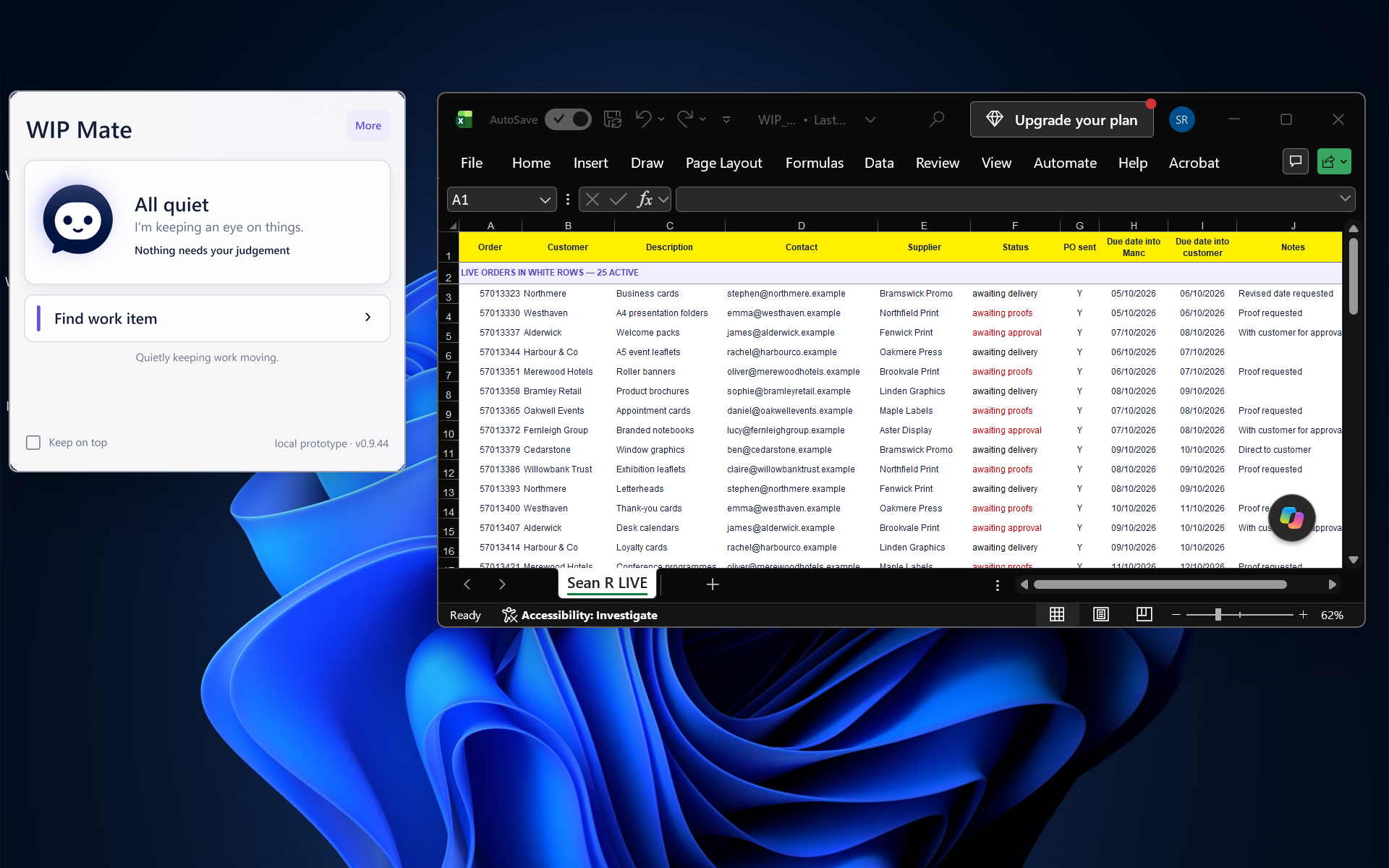
WIP Mate alongside Excel. Select the image to view full size.
AN EXCEL WIP EXAMPLE
From purchase order to ready to invoice.
For repeat orders needing no proofing, drop the PO into your WIP Mate folder. It creates the WIP entry, chases the delivery and obtains any required POD. Confirmed deliveries move to Ready to Invoice. Anything needing your judgement comes to you.
Use a CRM instead? WIP Mate integrates with your existing system, following up the orders already there and keeping records updated.
How it helps
A quiet presence. A useful difference.
01 / WHEN THINGS ARE ON TRACK
Quiet is a good sign.
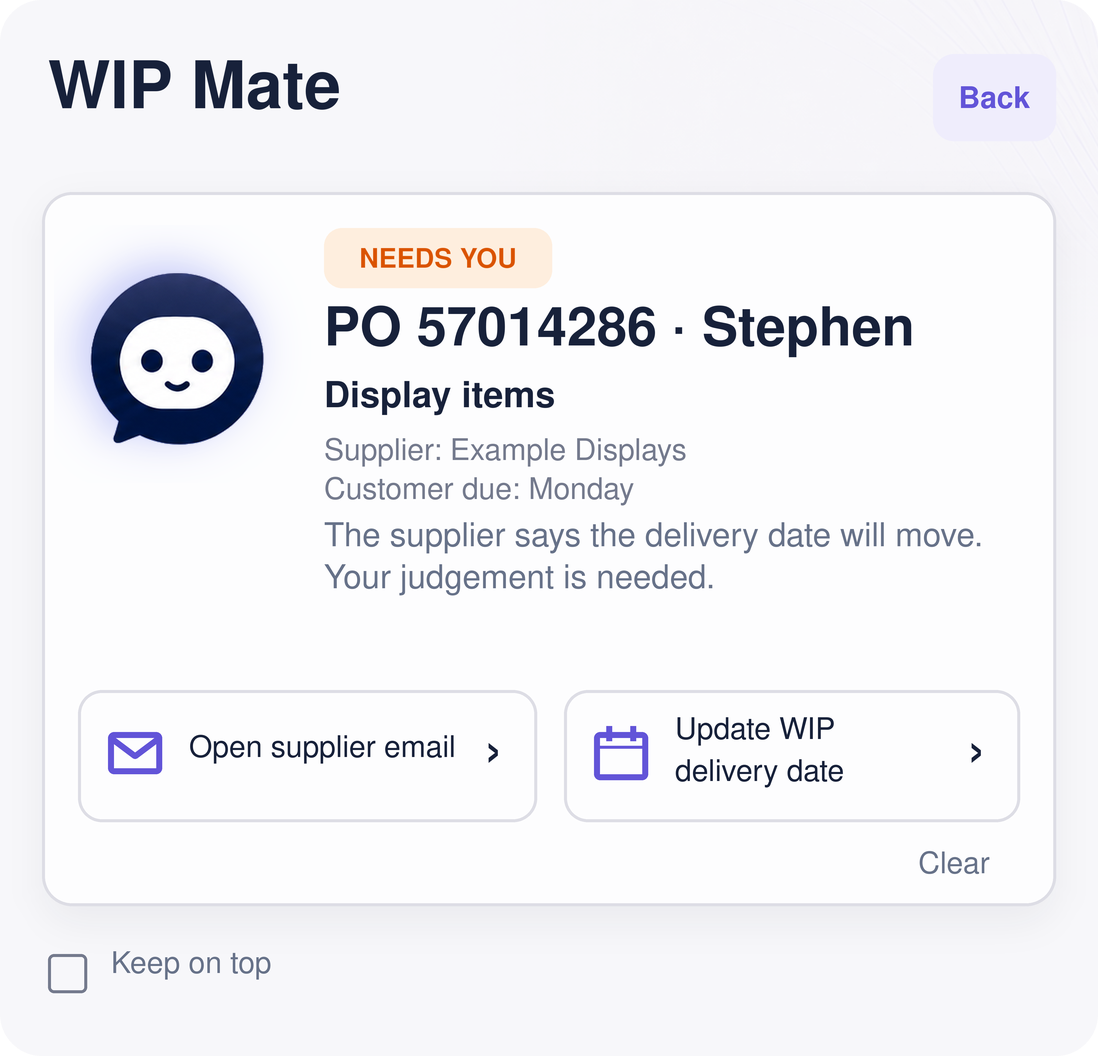
Routine follow-ups and updates carry on in the background. You can check in when you want to, while anything needing your judgement comes to your attention.
When your day changes, your work stays looked after.
A day with clients. A long journey. Something important to finish. Flex lets you place selected accounts with a colleague for the time you need.
WIP Mate identifies incoming emails relating to your selected accounts and their jobs, whether from clients or suppliers, and passes them to your chosen colleague. They receive the correspondence they need to look after those accounts, without taking on your whole inbox.
WIP Mate keeps routine follow-ups moving and brings anything needing a decision to that colleague. The accounts stay yours.